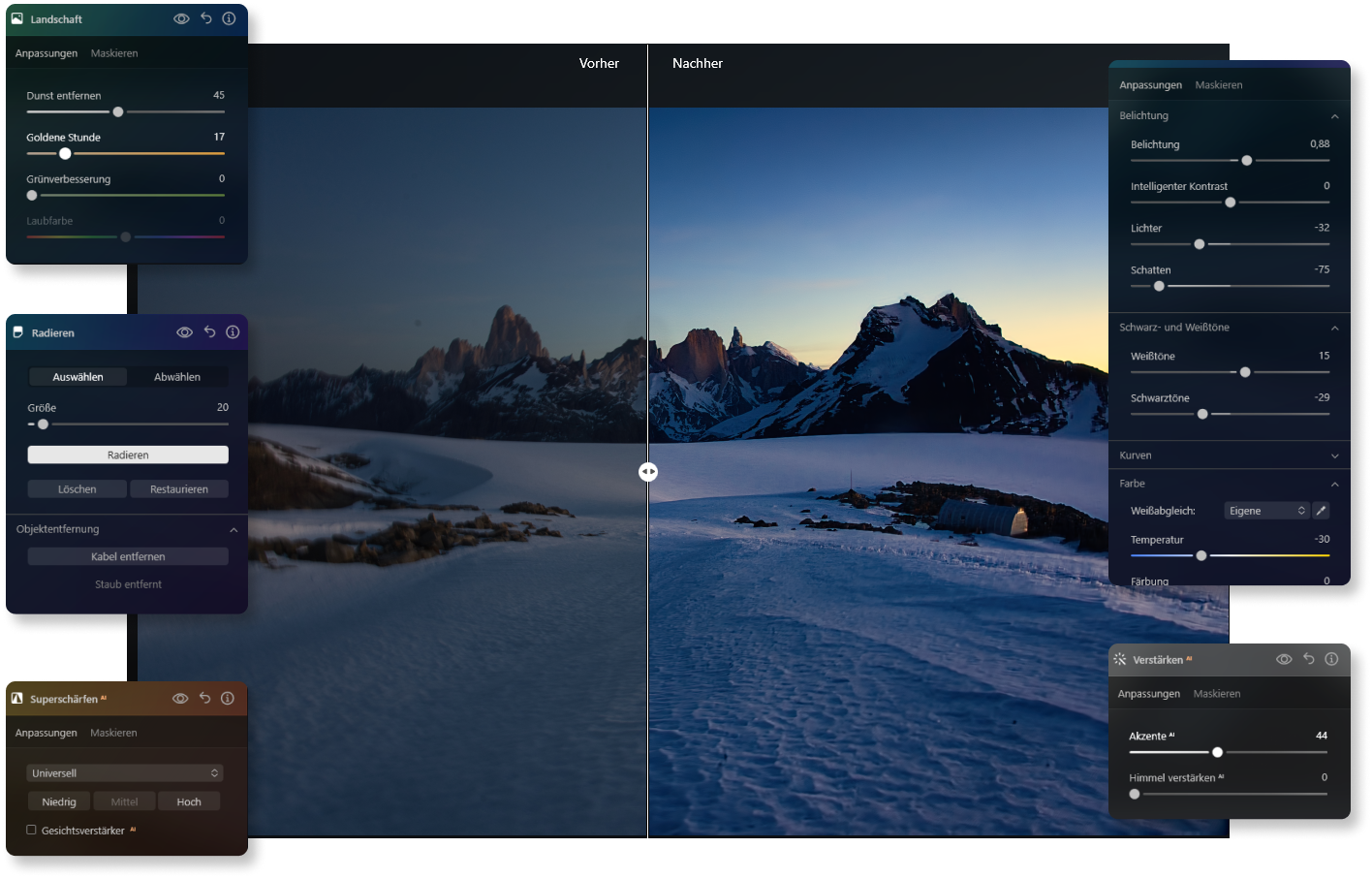
How Photo Sharpening Works
Before and After: Sharpen Photos with Ease
Tools That Make Your Pictures Sharper
With Luminar Neo, you have access to a variety of powerful tools to optimize your photos effortlessly. These easy-to-use functions allow you to achieve impressive results by highlighting details and significantly improving image quality in just a few steps.
Advanced AI-Powered Features
Get Luminar Neo Today
Buy NowWith this powerful photo sharpener software, you achieve professional results in just a few steps.
What Users Say About Our Photo Sharpener
Hear first-hand how Luminar Neo has improved our users’ editing workflow.
Frequently Asked Questions About Photo Sharpening
How can I make blurry images sharper?
Luminar Neo offers AI tools and manual adjustments. With Supersharp AI, you can highlight fine details and improve the clarity of the entire image. Targeted settings like contrast and sharpness allow you to refine the focus even further.
Can Luminar Neo sharpen pixelated images?
Yes, it can. Using state-of-the-art algorithms, detail is restored, leading to noticeable improvements in image quality. The Upscale tool is a fantastic way to solve this problem when used in combination with Supersharp AI. It delivers incredible results when you need to make an image sharper!
Is it possible to sharpen multiple images at once?
A clear yes! Luminar Neo allows exactly that thanks to its batch processing feature. This function is especially good if you want to sharpen the image for a large number of photos simultaneously. You can apply the same settings or make individual adjustments for each picture. This efficiency saves a lot of time and ensures all photos are consistently optimized without needing to edit each one individually.
Are there special presets for sharpening landscape or portrait photos?
Luminar Neo offers simple presets for various photo types, such as landscapes and portraits. For landscapes, natural details are emphasized, while for portraits, the focus remains on the face. These presets allow you to make a picture sharper and achieve great results with just a few clicks.
What file formats does Luminar Neo support for sharpening images?
Luminar Neo supports many file formats, making it very versatile. You can use all common formats like JPG, PNG, and TIFF to sharpen a photo. The support for RAW files is particularly helpful for professionals, as they provide more detail and allow for more precise editing. Thanks to this broad format support, you can always achieve the best results, regardless of your source material.