How Luminar Neo Works for Resizing Photos
Before and After: Impressive Results at Your Fingertips
Resize images with AI in just a few clicks while keeping them sharp and clear. Perfect for product images, profile photos, online stores, or social media posts.
Innovative and Powerful: Key Features
What Our Users Say
Users love how easy it is to resize pictures with Luminar Neo. From sharper product photos to optimized social media images, the tool helps photographers achieve professional results quickly.
Frequently Asked Questions
How does the image resize feature work?
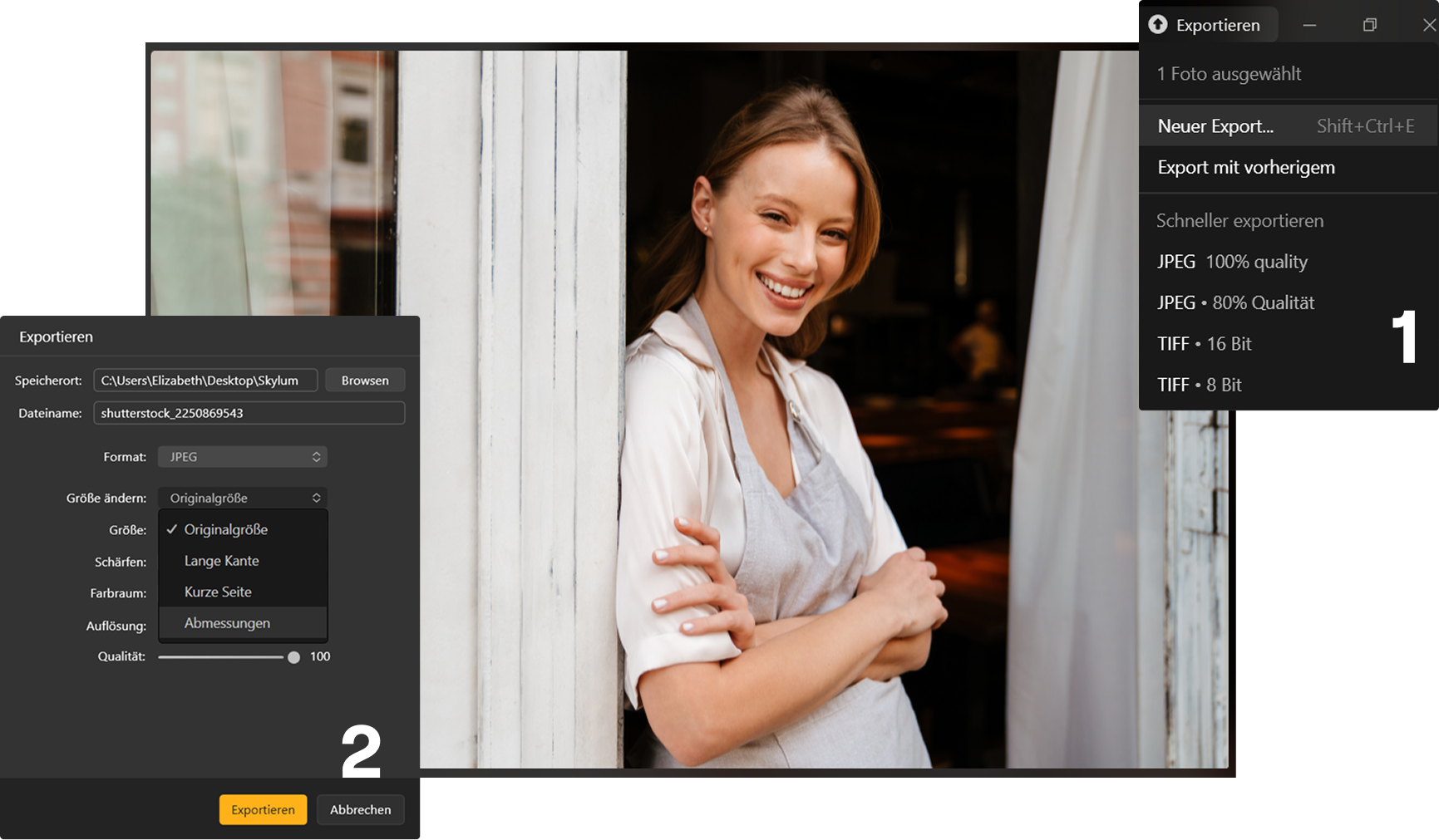
Luminar Neo uses intelligent algorithms to resize images while preserving quality. Simply choose the new dimensions, and the software automatically adjusts resolution and sharpness.
Will my image lose quality when I resize it?
No. Luminar Neo’s AI image resizer is designed to maintain image clarity and detail when resizing photos.
What file formats can I use when resizing pictures?
Luminar Neo’s photo size changer supports common image formats such as JPEG, PNG, TIFF, and RAW, allowing you to resize both smartphone and professional camera photos.
Is the Luminar Neo image resizer free?
Luminar Neo offers a free trial, so you can test the image size changer and other editing tools before purchasing.