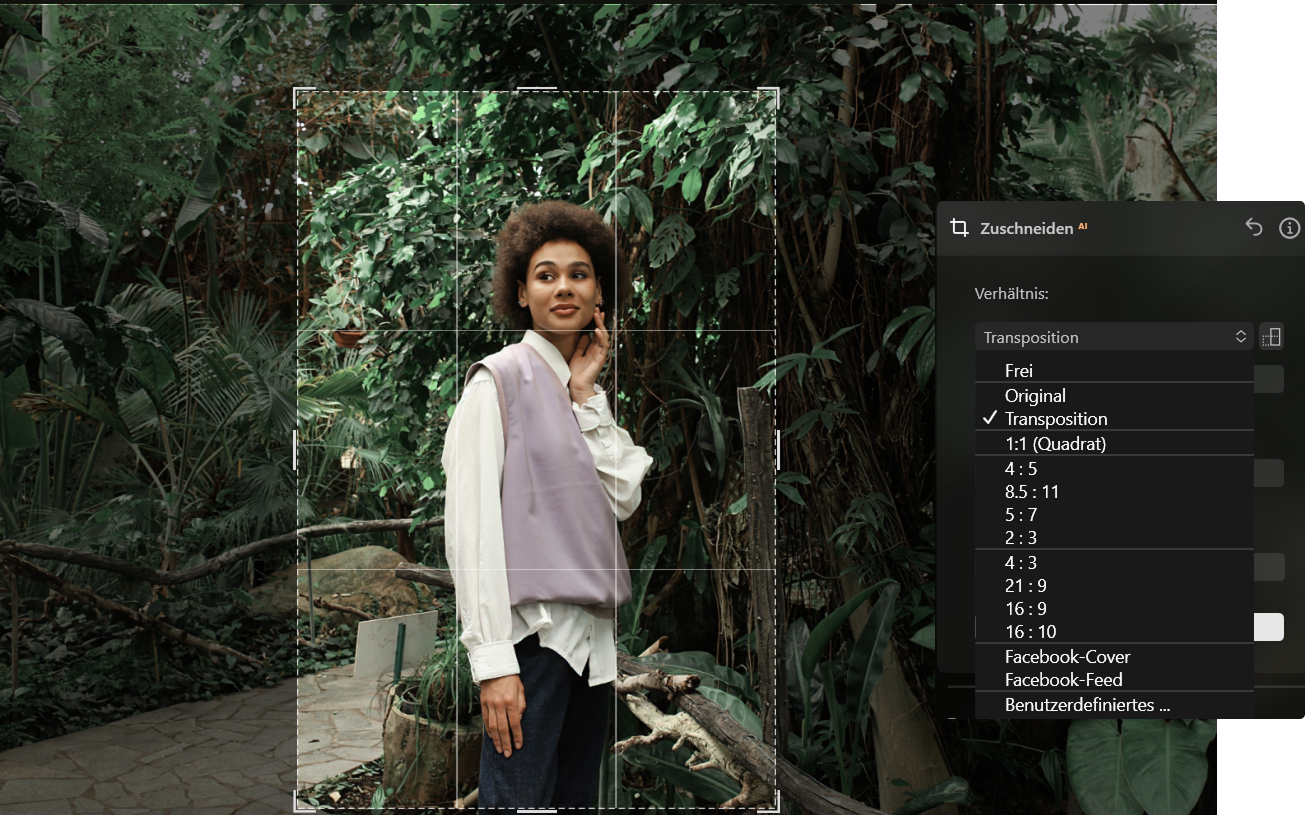
Change Image Size—The Smart Solution for Perfect Results
Change the Size of Your Picture
Features to Adjust Your Image Size
Luminar Neo offers several ways to change image size according to your requirements:
- 1. Resizing on Export: Simply set a new width and height for your image.
- 2. Crop AI: If you want to crop your image to a specific aspect ratio or a clear focus, this tool helps with automatic cropping.
- 3. GenExpand: Use this innovative tool to seamlessly expand the edges of an image—perfect when you need more space around your subject.
Luminar Neo Offers You Much More
What Our Customers Say About Luminar Neo
Many users report how uncomplicated it is to change the image size in Luminar Neo—without any loss of quality. They praise the ease of use, the fast implementation, and the flexibility with individual formats.
Frequently Asked Questions about Changing Image Size
How can I change the size of an image?
You can easily change the image size in Luminar Neo during export. Simply select the desired dimensions in pixels or percent under “Export”—this gives you exactly the format you need. Changes can be undone at any time as long as you are working on the project.
Can I change the image size without losing quality?
Yes, Luminar Neo adjusts your image size intelligently, ensuring the highest possible quality. Especially with smaller scaling adjustments, the image remains detailed and clear.
How do I change the image size on a smartphone?
With the Luminar mobile app, you can edit and export images on the go. You can flexibly set the dimensions during the saving process—which is very practical for social media or when you’re traveling.
Can I change the size of vector images?
Vector graphics like .svg can be scaled without loss, but they are not natively supported in Luminar Neo. However, you can convert vector files into a common photo size format like PNG or JPEG and then conveniently continue editing them.
What’s the best way to change image size for social media?
The best way to resize an image for social media is to match the recommended dimensions of the platform you are using. Many platforms use standard aspect ratios such as 1:1, 4:5, or 16:9. In Luminar Neo, these formats are already built in, so you can automatically resize your image to the correct dimensions in just a few clicks. This helps your photo display properly while maintaining good quality.