


Expand Images with AI
Use AI to extend your photos and add new image space while preserving natural detail, sharpness, and overall image quality.
Expand Image Now


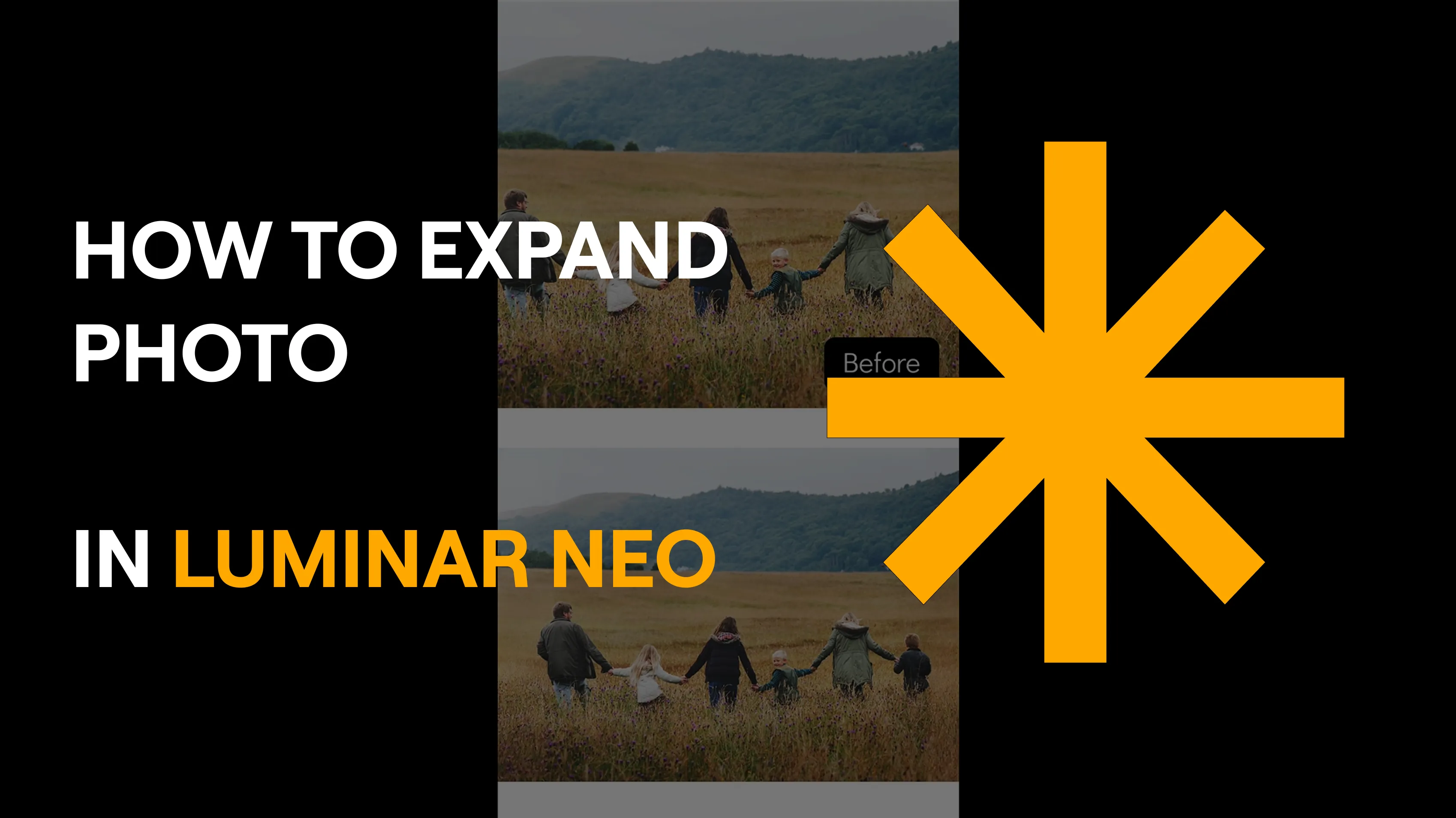





Use advanced AI tools for unmatched image quality.
Our users are impressed with the AI-powered image expansion. They especially appreciate the natural extension of missing image areas, the high level of detail, and the intuitive controls that make professional results quick and easy.

Upload your image to Luminar and define the area you want to expand. The AI analyzes colors, lighting, and structure, then realistically fills in the missing parts of the image so the result blends seamlessly with the original.
Luminar supports common formats such as JPG, PNG, TIFF, HEIC, as well as many RAW formats. This allows you to edit both smartphone photos and professional camera images.
No. The AI used to expand images intelligently reconstructs details so your photo remains sharp and natural after expansion. Pixelated or blurry transitions are avoided.
You can try Luminar with a free trial to explore its features. A license is required for continued use after the trial period.


