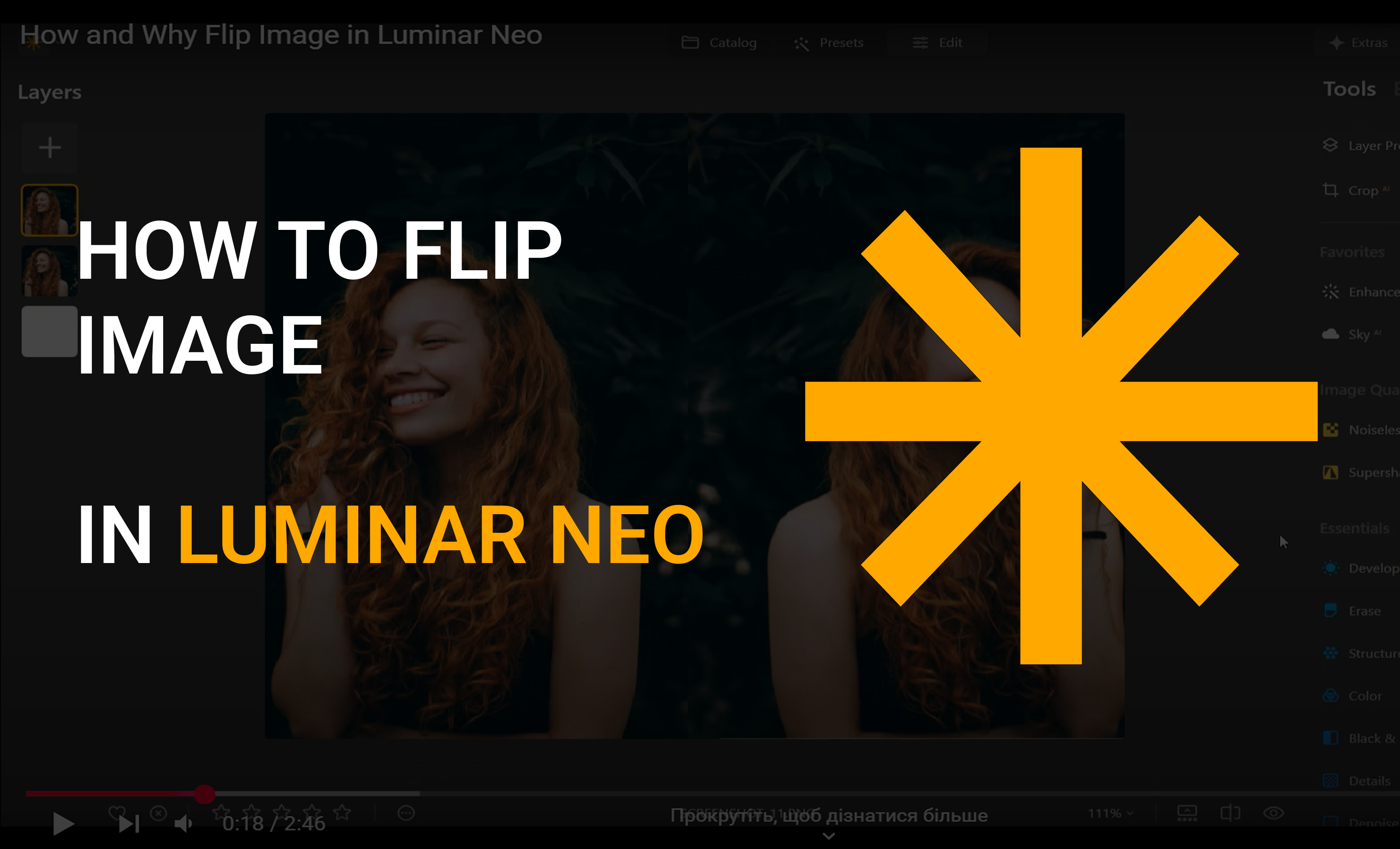
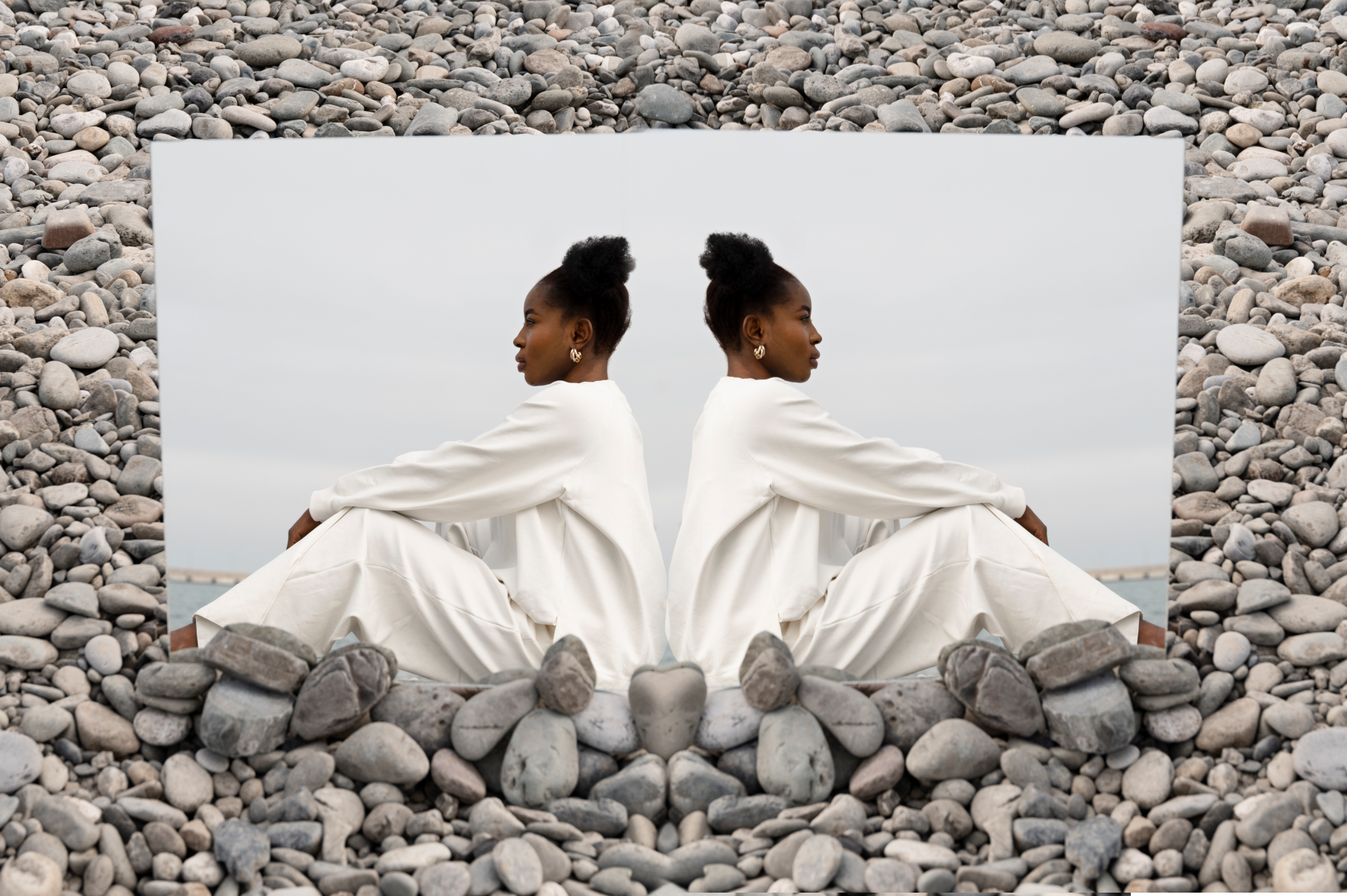
Mirror an Image — It’s That Easy!

Flip images with just one click thanks to Luminar Neo’s intelligent AI. Perfect for creative looks, symmetry, or visual effects.
Mirror Image Now

Mirror Images in Photo Editing Made Easy

With just a few clicks, you can mirror or flip an image horizontally or vertically. Watch the video below to see how easy it is to create symmetrical, creative, or even surreal-looking visuals.

Before-and-After: See Your Photos in a New Light

Mirrored photos can often look more balanced, dynamic, or visually striking. The before-and-after comparison shows how a simple image can turn into something eye-catching with just a few clicks.

Unlock Creative Possibilities by Image Mirroring

Mirroring photos in Luminar Neo opens up completely new creative possibilities—from surreal compositions and unusual perspectives to perfectly balanced visuals.
Surreal compositions
Unique perspectives
Harmonious balance

Mirror Images in Just a Few Clicks

Try Luminar Neo Now

Flip and enhance your photos quickly, easily, and creatively.

Features to Mirror & Enhance Your Images

With Luminar Neo, you can do more than just mirror images. Use AI-powered tools to enhance details, blur backgrounds, remove objects, and refine your photos in seconds.
Improve your photos in seconds - maximum quality and impressive details with only one click.
Creates a soft, professional background for portraits.
Emphasizes important details and textures in the image.
Remove background with AI in Luminar – quickly and automatically.
Create collages, add photos with transparency and overlay images in Luminar.
Automatically optimize photos, increase sharpness, adjust colors and quality

What Our Customers Say about Luminar Neo

Thousands of creatives trust Luminar Neo. Users especially appreciate its ease of use and the professional results they can achieve in just a short time.

Testimonials-Icon für Nutzerfeedback | LuminarNeo.de Testimonials-Icon für Nutzerfeedback | LuminarNeo.de Testimonials-Icon für Nutzerfeedback | LuminarNeo.de Testimonials-Icon für Nutzerfeedback | LuminarNeo.de Testimonials-Icon für Nutzerfeedback | LuminarNeo.de
March 30, 2026
The software is really fun to use
The software is really fun to use. You can get a lot out of your photos. It’s intuitive and very user-friendly. The support team ...
is quick to respond and very friendly. I’m very satisfied and would definitely recommend this software to others.
Show more
René Kolbe
Testimonials-Icon für Nutzerfeedback | LuminarNeo.de Testimonials-Icon für Nutzerfeedback | LuminarNeo.de Testimonials-Icon für Nutzerfeedback | LuminarNeo.de Testimonials-Icon für Nutzerfeedback | LuminarNeo.de Testimonials-Icon für Nutzerfeedback | LuminarNeo.de
March 30, 2026
Best editing tool
Been a loyal user of Luminar since its inception, always part of my toolset.
Maz
Testimonials-Icon für Nutzerfeedback | LuminarNeo.de Testimonials-Icon für Nutzerfeedback | LuminarNeo.de Testimonials-Icon für Nutzerfeedback | LuminarNeo.de Testimonials-Icon für Nutzerfeedback | LuminarNeo.de Testimonials-Icon für Nutzerfeedback | LuminarNeo.de
April 3, 2026
Luminar Neo is THE tool I need for
Luminar Neo is THE tool I need for. It’s easy, intuitive and it offers a lot of possibilities. I’m not an expert in postprocessing ...
for sure I was able to pimp up my game thanks to Luminar Neo. And the icing on the cake, when you have a question or a problem, the customer care is incredibly fast to answer!
Show more
Sébastien
Testimonials-Icon für Nutzerfeedback | LuminarNeo.de Testimonials-Icon für Nutzerfeedback | LuminarNeo.de Testimonials-Icon für Nutzerfeedback | LuminarNeo.de Testimonials-Icon für Nutzerfeedback | LuminarNeo.de Testimonials-Icon für Nutzerfeedback | LuminarNeo.de
April 6, 2026
Ive been using Luminar since it was…
Ive been using Luminar since it was originally relased back in 2016 and currently use the Luminar NEO version. Brilliant program to plugs right ...
into Photoshop/Adobe Creative Suite. Essential program for my everyday work
Show more
BRADLEY SISSINS
Testimonials-Icon für Nutzerfeedback | LuminarNeo.de Testimonials-Icon für Nutzerfeedback | LuminarNeo.de Testimonials-Icon für Nutzerfeedback | LuminarNeo.de Testimonials-Icon für Nutzerfeedback | LuminarNeo.de Testimonials-Icon für Nutzerfeedback | LuminarNeo.de
April 11, 2026
User experience
I moved to Luminar Neo after Adobe raised its prices I don't regret at all. I can edit my photos easy or make some ...
more serious edits using AI tools if it's needed. I have a problem, technical support also works fine. I like it and can recommend it.
Show more
Marcin Maczkowski

Frequently Asked Questions about Mirroring Images

Can I mirror an image on my smartphone?

Yes. You can use your phone’s built-in editing tools for image flipping or mirroring. For more advanced adjustments and better control, you can also use Luminar Mobile.

How do I mirror a photo for social media?

Luminar Neo makes it easy to mirror a photo for social media. Simply select your image, use the mirror or flip function, and create a new version for your feeds in seconds. The image quality remains unchanged, so colors, contrast, and details stay intact.

What tools can I use to mirror an image?

Luminar Neo offers a powerful editing environment with AI tools, layer support, and precise adjustment controls. This means you can not only mirror your image but also refine and enhance it as needed.

Can I mirror SVG files in Luminar?

Yes, you can import vector elements such as SVG files into Luminar and mirror them. When mirroring images, the graphic usually remains sharp—especially if you convert it to an appropriate bitmap format before exporting.

How does image mirroring work?

Luminar Neo includes a built-in mirror function. Simply select your image and choose the mirror option (horizontal or vertical). The software automatically adjusts the orientation so the result looks natural and well balanced.

Does mirroring affect the quality or resolution of a photo?

No. When you mirror an image, the resolution, sharpness, and color quality remain unchanged. Luminar Neo performs the transformation without reducing the quality of the photo.

How can I mirror images online with Luminar?

If you use Luminar through its web-connected ecosystem features, you can upload your image and apply the mirror function to create a flipped version of your photo quickly.